 WE MASTER DESIGN
Learn / Product design
What Is Product Design?From an Idea to a Product People Can Use
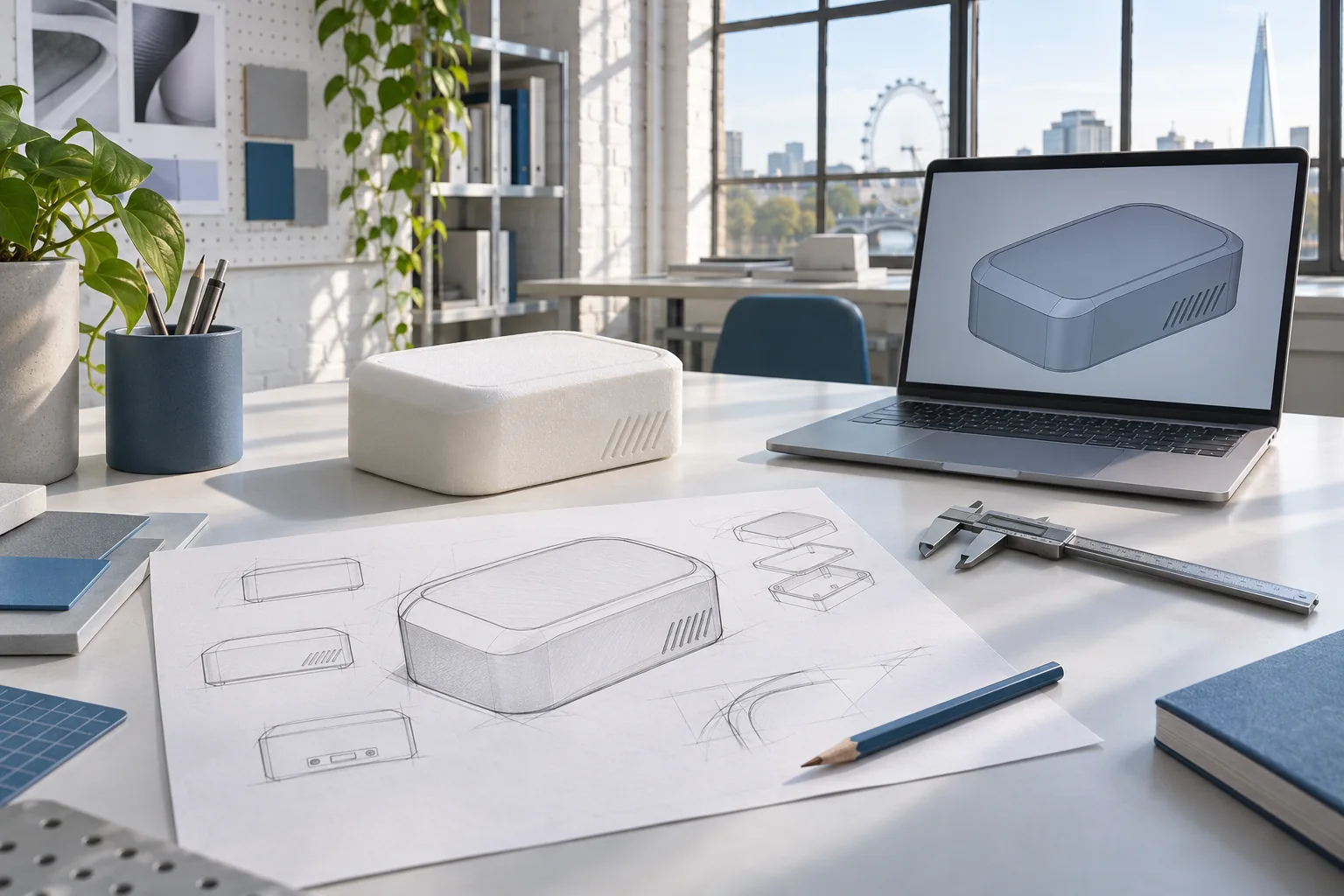
You have an idea for a physical product. Perhaps you have sketched it in a notebook, built a rough model, or found a problem with something you use every day.
Then the questions begin. How will it fit together? Will it be comfortable to use? Can it be made within your budget? What information will a manufacturer need?
Product design is the process of answering those questions and developing an idea into a workable product. It brings together the needs of the people who will use it, the way it looks and feels, how its parts work together, and how it could be manufactured.
A wearable device raises different questions from a kitchen tool or an industrial enclosure. Early decisions can help the team identify uncertainties before committing to a design.
Where does product design begin?
Start with the problem your product needs to solve. Imagine a small device that sits on a desk. You know what it should do, but are less certain about its size, stability and how people will interact with it.
- Who will use it, and in what setting?
- What should they be able to do with it?
- What components need to fit inside?
- How will it be powered, assembled or maintained?
- What does the first version need to achieve?
The answers form the beginnings of a design brief: a practical guide to the problem, the users and the project's constraints. It need not answer everything at the start; it makes the important unknowns visible.
The Design Council's Double Diamond framework describes exploring and defining the problem, then developing and testing possible solutions. The stages can overlap and repeat as the team learns more.
What happens during product design?
Not every project needs the same steps, and the order can change.
1. Understand the problem and requirements
Gather what is known about the product, intended users and environment. Research can include conversations with potential users, a review of existing products and identifying technical constraints. A requirements list might cover size, function, materials, appearance, target cost and unanswered questions.
2. Explore concepts
Early concepts explore different solutions through sketches, simple models or rough layouts. For the desk device, one concept might use a wider base; another might attach to the edge of the desk. Ask which approach best meets the requirements and what needs to be tested.
3. Develop the design in CAD
Computer-aided design, or CAD, creates a digital model that can be examined and refined. Depending on the project, it helps the team consider the shape and fit of parts, mounting points and the space needed for components. It also helps communicate with collaborators and potential suppliers.
A CAD model alone does not prove a product will work in real life. Appropriate design review and, where needed, physical testing are still necessary.
4. Consider how it could be made and assembled
A part can look convincing on screen and still be difficult to manufacture. Thin walls, awkward fasteners or inaccessible assembly points may cause problems later. Design for manufacture and assembly considers these issues during development; choices depend on the material, manufacturing process, quantities and supplier capabilities.
A screw may fit inside a housing, but the assembly team also needs enough room to reach it with a screwdriver. Checking that access early can prevent a frustrating redesign.
5. Prototype, learn and refine
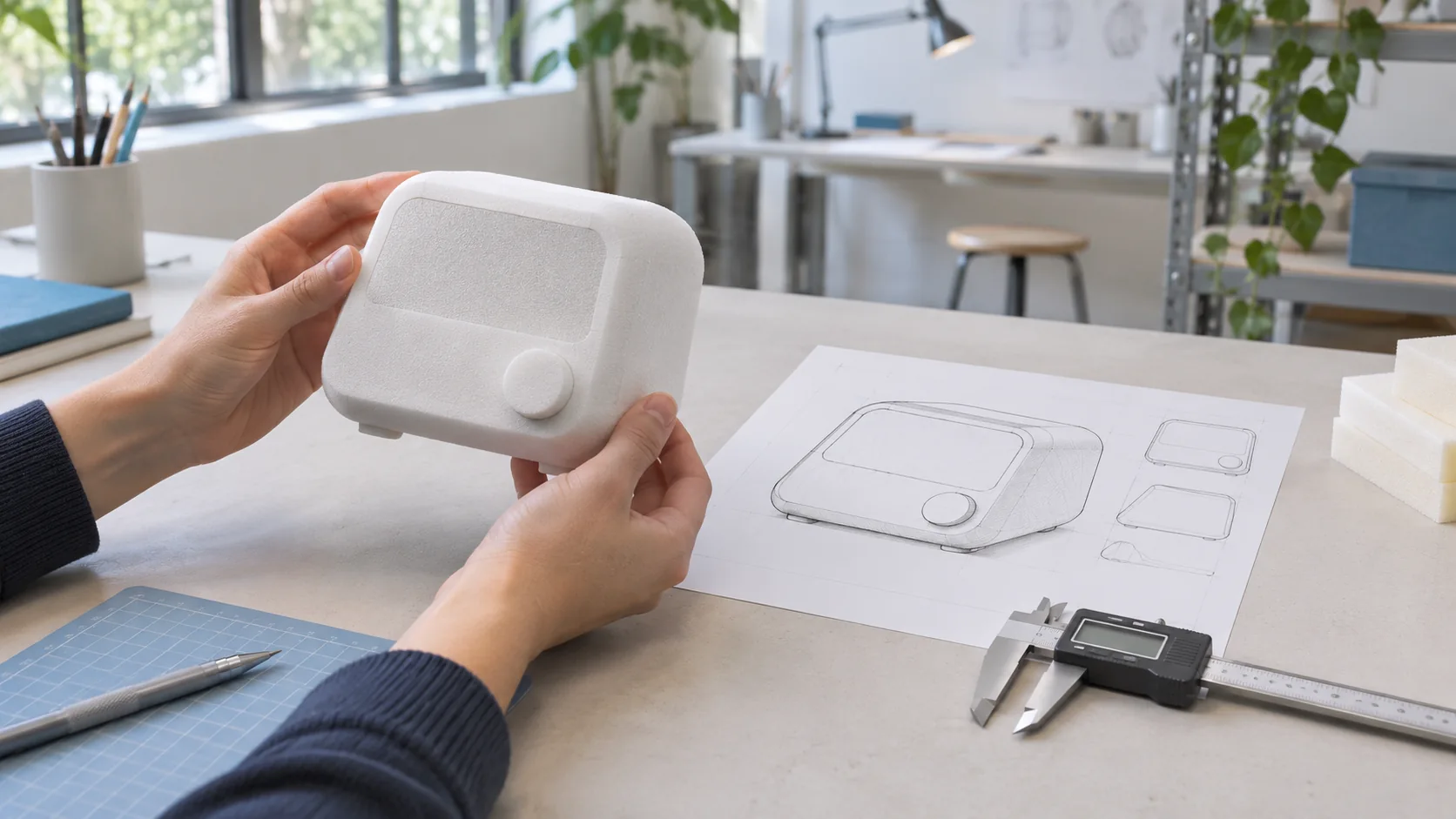
A prototype helps answer a specific question. It might be a simple model to check size and comfort, or a more developed build to investigate fit and function. Before making one, decide what you need to learn. If the question is whether a device fits comfortably in a hand, a simple physical model may be more useful than a polished rendering.
Testing can reveal new requirements, so the design may return to an earlier stage. IDEO describes human-centred design as beginning with people's needs and developing ideas through prototypes and feedback.
6. Prepare information for the next stage
Once the design reaches an agreed level of detail, a project may need drawings, CAD files, component information and notes for a prototype supplier or manufacturer. The package depends on the product and agreed work. A supplier may still need to review the design, request additional information or recommend changes.
Product design, industrial design and engineering: what is the difference?
| Discipline | Main focus |
|---|---|
| Product design | Developing a product around its users, purpose and practical requirements. |
| Industrial design | Form, appearance, ergonomics and user experience, alongside practical constraints. |
| Engineering design | How the product and its components function, fit together and meet technical requirements. |
| Manufacturing | Making physical parts and assembling the product using suitable processes and equipment. |
The boundaries are not rigid. Projects need different mixes of skills, and responsibilities vary between teams.
What should you prepare before speaking to a designer?
You do not need a perfect drawing or a complete specification. Bring what you have:
- The problem: What is happening today, and who experiences it?
- Your idea: A sketch, description, rough model or existing design.
- Essential functions: What must the product do?
- Known constraints: Approximate size, components, intended environment or materials, if known.
- Your next goal: Feasibility, CAD, a prototype-ready design or improvement of an existing design.
- Budget and timing: Share a range if you have one; if not, say so.
Identify what you do not know yet. Those gaps can shape the first stage of the project.
When should you involve a product design team?
Consider a design team when you have a problem worth exploring but need help deciding how the product should work, or when an existing concept needs clearer CAD and documentation. Early involvement can help identify questions about fit, usability and manufacturability. The appropriate depth of work depends on the idea, budget, available information and next decision.
How we Master Design can help
At we Master Design, we help founders, businesses and engineering teams develop physical-product ideas through design and documentation. Depending on the project, that can include product design, CAD development, a prototype-ready design package, or documentation for a manufacturing handoff. We begin by understanding what you have, what you need to learn and which next step makes sense.
Have a sketch, an unfinished CAD model or a product idea you are trying to move forward? Share the details through our consultation form, and we can discuss the scope and next steps.
Frequently asked questions
Is product design only about appearance?
No. Appearance is one part of the work. Physical-product design also considers user needs, function, fit, materials, assembly and the intended manufacturing route.
Do I need a prototype before starting product design?
No. A project can start with a sketch, an existing product that needs improvement, or a clearly described problem. A prototype may become useful later when there is a specific question to investigate.
Is CAD the same as product design?
CAD is a tool used within product design. It helps develop and communicate a digital model, while product design also involves defining the problem, exploring solutions and considering how the product will be used and made.
Can a design be sent straight to a manufacturer?
Sometimes a project is ready for a supplier discussion, but the information required varies. A manufacturer may need drawings, material specifications, tolerances, quantities or other details before assessing the work. Agree the required handoff package with the supplier and design team.
Further reading: The Design Council’s Framework for Innovation · IDEO’s introduction to human-centred design