 WE MASTER DESIGN
CAD / Worksheet
CAD handoff: interface and assumptions worksheet
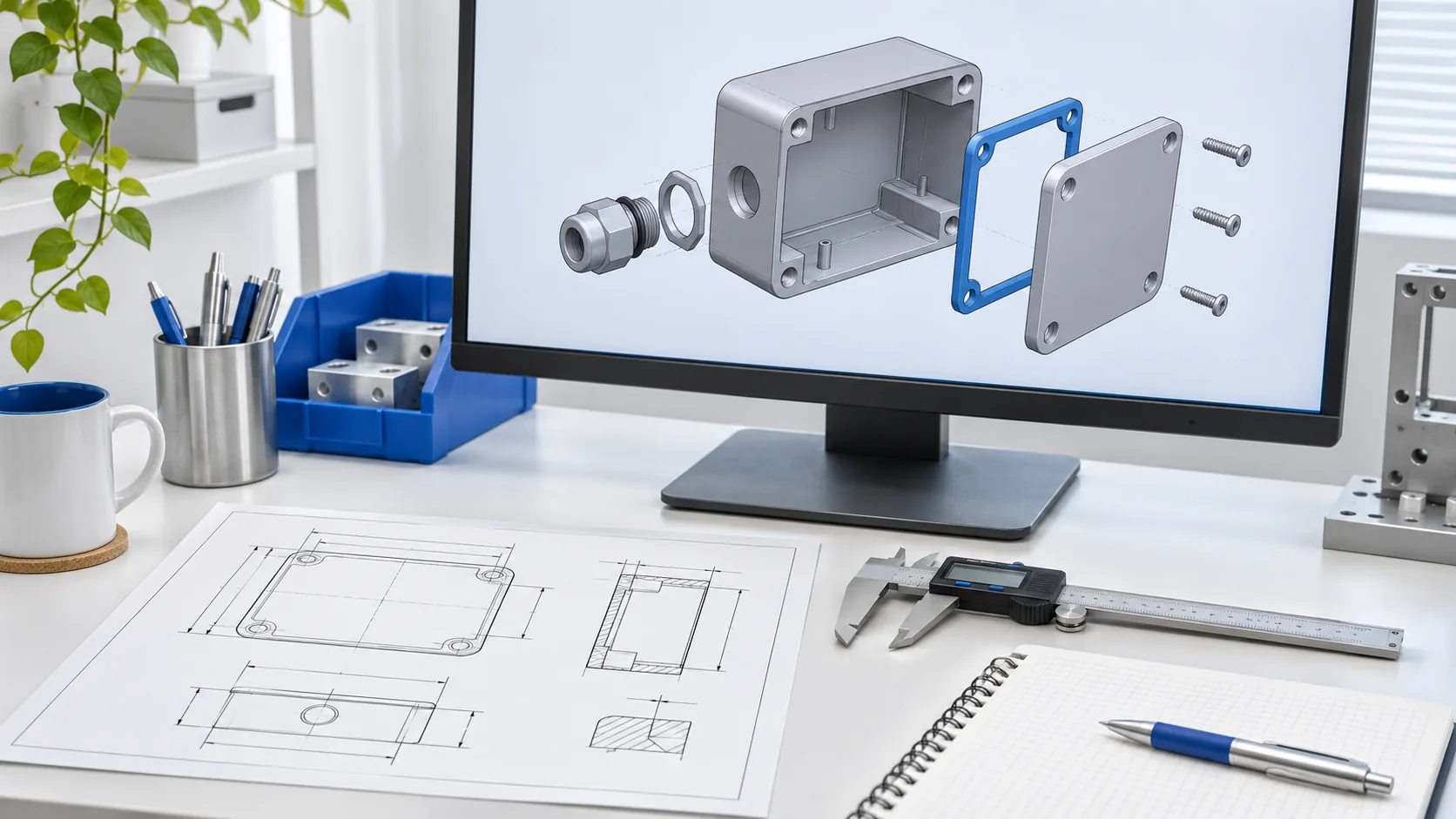
An interface is where one part or system must fit, connect or interact with another. A handoff becomes easier to review when the team can see which interfaces are confirmed and which still depend on missing information.
Prepare a worksheet
For each interface, record:
| Field | What to write |
|---|---|
| Interface | The two parts or systems that meet. |
| Purpose | What the connection or clearance needs to allow. |
| Current reference | The file name, revision, drawing or supplier information used. |
| Assumption | Any provisional dimension, position, material or operating condition. |
| Status | Confirmed, provisional or unknown; include who must confirm it. |
| Impact | Which other parts or drawings may need review if it changes. |
| Next action | The question, owner and next review point. |
Example row
For a hypothetical enclosure and an externally supplied component, the interface might be the component's mounting envelope. If the supplier geometry is not final, record the envelope as provisional and identify the person responsible for supplying an updated model. Do not treat a placeholder as a final specification.
Review before handoff
- Make the shared model and drawing revisions identifiable.
- Check that the bill of materials and assembly information match the agreed handoff scope.
- Separate the information the team has verified from the assumptions it still needs to resolve.
- Agree who will review each open interface and how updates will be communicated.
This worksheet supports coordination; it does not establish fit, tolerance compliance or manufacturer approval. Choose formats, detail and review responsibilities for the actual project.
Sources: Autodesk: design and engineering; Autodesk: bills of materials. For the broader starting inputs, read Files and information for a CAD project.